How-to
Embed it with an iframe
Put the globe in any page with one iframe and no script, and choose what it shows in the address.
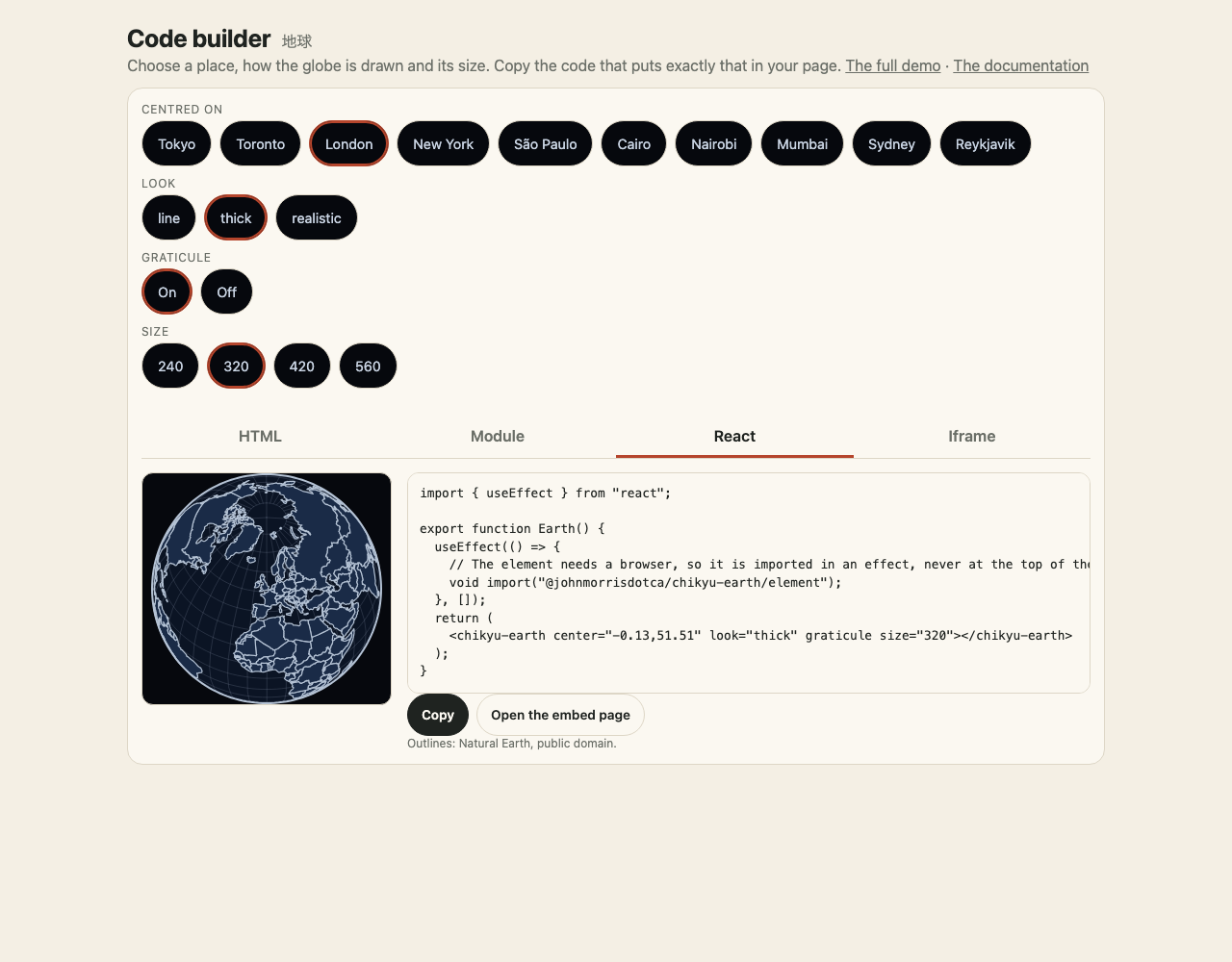
The demo site has a page made to be framed, embed.html. It draws what its address says and fetches nothing but its own files, so it needs no script, no build and no package on your side:
<!doctype html>
<html lang="en">
<head>
<meta charset="utf-8" />
<meta name="viewport" content="width=device-width, initial-scale=1" />
<title>Chikyu Earth in an iframe</title>
</head>
<body>
<iframe
src="https://johnmorrisdotca.github.io/chikyu-earth/embed.html?look=thick¢er=139.7,35.7&turn=1"
title="The Earth, centred on Tokyo"
width="420"
height="420"
loading="lazy"
style="border: 0"
></iframe>
</body>
</html>The globe fills the frame (square, at the smaller of its width and height), with a transparent background, so it sits on your page's colour.
What the address can say
| Parameter | Values | Default |
|---|---|---|
look | line, thick, realistic, space (the last two need WebGL; they fall back to thick without it) | line |
center | lon,lat, or me to ask the browser for the reader's place | 0,20 |
graticule | 1 | off |
turn | 0 still, 1 turned by hand (drag, wheel, pinch, arrow keys), auto turns by itself at the Earth's own rate | 0 |
time | the moment the realistic and space looks show, for example 2026-06-21T12:00Z | now |
clouds, lights | off to hide that layer on the realistic look | on |
speed | the space look's clock in seconds of game time a second: 0 holds still, 1 is real time, 86400 runs a day a second, negative runs backwards | 0 |
scale | the space look's scale: true for real distances and sizes | compressed |
body, zoom | the space look's camera: the body it looks at (Moon, Mars, ...), and the part of the sky it shows (earth, moon, sun, inner, solar-system) | the Earth |
satellites, sat | the space look's satellites, stations and starlink (one or both, from the demo site's snapshot of CelesTrak's lists), and the NORAD number of a station to mark, for example 25544 for the ISS | none |
ride, rview, rlook | the space look's camera riding along with iss, css (Tiangong), starlink (one satellite), Moon or Mars; rview=follow keeps behind it instead of at it; rlook=horizon tips the camera towards the horizon (with a satellite, give a speed too, or the Earth stays still) | not riding |
orbits, labels | the space look's planet paths (off hides them) and the names beside the bodies (1 shows them) | paths on, names off |
By default the frame is still, has no controls and never asks for the reader's location. The space look holds still too (speed=0), and draws at most 30 times a second when you give it a speed. It draws only when something changes, and nothing while it is off screen or its tab is hidden.
Size and accessibility
Give the iframe a title (the example does), a width and height, and loading="lazy" so it costs nothing until it is near the screen. The frame is a square: a frame wider than it is tall leaves empty space at the sides.
Hosting the frame yourself
The frame is embed.html with embed.js (and the chunks it loads) and the textures/ folder for look=realistic. pnpm site builds them into site/; copy those files to your own host if you do not want to use the demo site's.