How-to
Moons and time
A planet with its moons where they are on a date and time, and time that runs fast.
Add moons to a planet and give it a time: the moons are drawn on their orbits where they are then, as the Earth sees them. Their orbits are fitted to JPL Horizons' own positions, and are within a degree or two on the orbit for almost every moon, which is the width of a moon's own picture on a screen. Accuracy has the number for each moon.
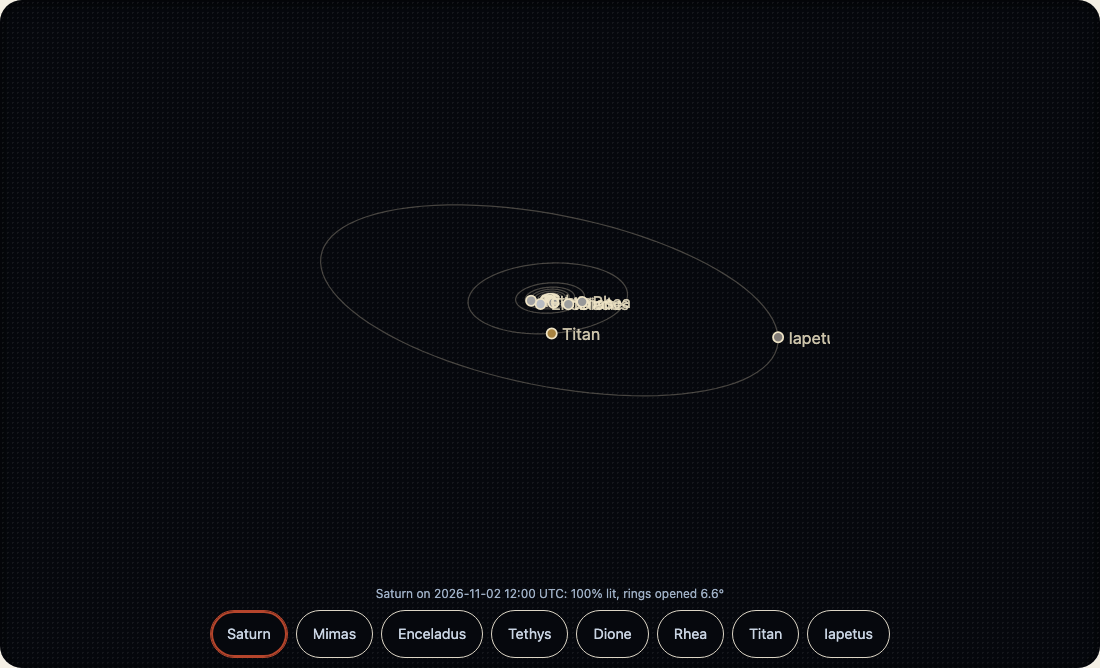
<wakusei-body body="jupiter" look="line" moons time="2026-11-02T12:00:00Z"></wakusei-body>rate is simulated seconds for each real second: rate="3600" is an hour a second. The demo chooses it with the family's speed buttons (kazoku-ui's <kazoku-speed-buttons>), 1 3600 86400, read as multiples of real time; its Turn button has its own 0.5×, 1× and 2× of 14 degrees a second. A moving system works out the sky in full about once a second and carries the moons forward from there, so a frame costs a few turns of a vector, not an ephemeris. range is how far the picture reaches, in planet radii; moons beyond it are left out.
time="now" follows the clock. A planet with a time and no moons is drawn as it looks that day: its rings opened as far as they are, its phase, the face turned toward us.