How-to
Languages and locales
Month and weekday words in any language the browser or Node knows, how Japanese, Chinese and Korean change the order, and what happens with a locale that is not known.
The package ships no list of month or weekday names. They come from Intl, in the locale you pass to calendarIcon or monthCalendar: en (the default) or any locale the browser or Node knows. A page in Japanese, French or Arabic needs no extra data and no extra bytes.
Use a locale
import { calendarIcon } from "@johnmorrisdotca/koyomi-calendars";

const en = calendarIcon({ theme: "pins", month: 11, day: 2, year: 2026 });
const fr = calendarIcon({ theme: "pins", month: 11, day: 2, year: 2026, locale: "fr" });
const ja = calendarIcon({ theme: "pins", month: 11, day: 2, year: 2026, locale: "ja" });
console.log(en.includes('aria-label="Monday Nov 2 2026"'));
console.log(fr.includes("lundi"));
console.log(ja.includes("2026"), ja !== en);
// true
// true
// true true
true
true
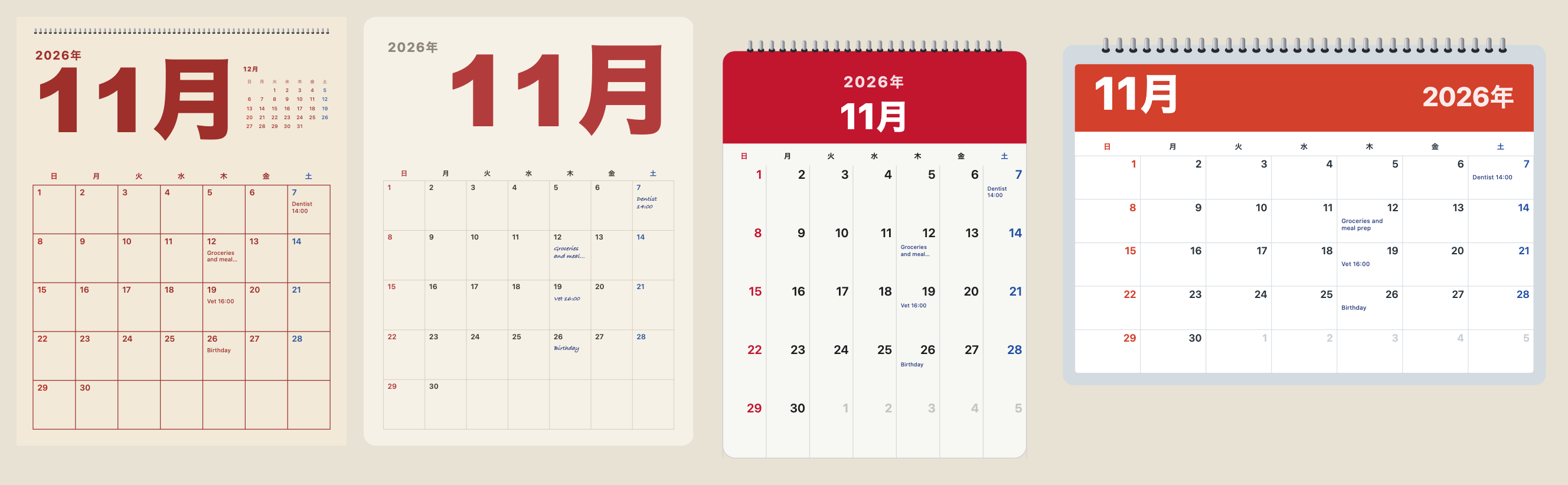
true trueThe words change in the picture, in its title and in its aria-label, so a screen reader reads the date in the same language. A ja icon writes the year, month and weekday the Japanese way. Month pages do the same, and for Japanese, Chinese and Korean put the year before the month.
A locale that is not known
A locale Intl does not know falls back to English rather than throwing, so a mistaken setting draws an English page, not a broken one. Check the locale yourself if you need to know:
import { monthCalendar } from "@johnmorrisdotca/koyomi-calendars/month";

const wanted = "xx";
const known = Intl.DateTimeFormat.supportedLocalesOf(wanted).length > 0;
console.log(known);
const svg = monthCalendar({ year: 2026, month: 11, locale: wanted });
console.log(svg.includes("November"));
// false
// true
false
trueWeek start
Weeks start on Sunday by default; weekStart: "monday" on a month page changes it. The library does not guess a start from the locale, because many places differ from their language's usual choice: set it from your own settings.
Words for the parts
The design labels in English and Japanese are in CALENDAR_THEME_LABELS, MONTH_DESIGN_LABELS and CALENDAR_FLIP_LABELS, for building your own menu in either language. The package's words never go in an icon: an icon says only the date.
import { CALENDAR_THEME_LABELS } from "@johnmorrisdotca/koyomi-calendars";
import { CALENDAR_FLIP_LABELS } from "@johnmorrisdotca/koyomi-calendars/animate";

console.log(CALENDAR_THEME_LABELS.squircle.en);
console.log(typeof CALENDAR_THEME_LABELS.squircle.ja);
console.log(CALENDAR_FLIP_LABELS["tear-down"].en);
// Squircle
// string
// Tear down
Squircle
string
Tear downHolidays and notes in your language
A holiday name you give to holidays can be one string or one per language, { en: "...", ja: "..." }, and the icon uses the one for its locale. Month notes are plain text in whatever language you write them. For Japan the names come with the computed holidays: see The Japanese calendar.