How-to
Build a rocket from parts
Mix parts of different rockets, ask whether they go together, and get a mesh and a drawing without three.js.
Every part of every rocket has the same record: its real size in metres, the joints it mates at and where its shape came from. That is why you can ask whether a rocket goes together before you draw anything.
One record for every part
A part's origin is the middle of its base on its axis, Y is up and the windward side faces +Z. A joint says where the part mates and how wide it is there.
import { partEntry } from "@johnmorrisdotca/uchusen-rockets";

const ship = partEntry("starship-v3-ship")?.record;
console.log(ship?.name, ship?.height, "m", ship?.kind);
console.log(ship?.joints.bottom, ship?.trueTo);
console.log(ship?.drawnFrom);
Ship, Block 3 (V3) 52.1 m ship
{ kind: 'stage', y: 0, diameter: 9 } [ 'v3' ]
This package's code for the two line looks, proportions measured from Clarence365's Block 3 at the sourced sizes; Clarence365's model for the painted look.trueTo lists the variants the part is true for. A part with an empty list was never part of a flown or announced vehicle.
Ask whether it fits
check reads only the records, so it runs anywhere and is cheap enough for a form to ask on every change.
import { check } from "@johnmorrisdotca/uchusen-rockets";

const real = check({ rocket: "starship", variant: "v3" });
console.log(real.ok, real.custom, real.label, real.size);

const mix = check({ rocket: "starship", variant: "v3", parts: { ship: "starship-v2-ship" } });
console.log(mix.ok, mix.custom, mix.label);

const wrong = check({ rocket: "starship", variant: "v3", parts: { booster: "starship-v3-ship" } });
console.log(wrong.ok, wrong.issues[0]?.code, wrong.issues[0]?.message);
true false Block 3 (V3) { height: 124.4, diameter: 9 }
true true Custom build, not a vehicle that flew: Super Heavy, Block 3 (V3) with Ship, Block 2 (V2)
false wrong-kind Ship, Block 3 (V3) is a ship; this slot takes a booster.A mix that fits is allowed and is labelled as a custom build in plain words. It is never called a vehicle that flew. A part that does not fit is refused by name, and the report says which joint failed: the kind, the diameter or the slot.
Show a custom build on a page
In HTML the build attribute is the description as JSON. In React the build prop is the object.
<uchusen-rocket build='{"rocket":"starship","variant":"v3","parts":{"ship":"starship-v2-ship"}}' look="thick"></uchusen-rocket>A mesh and a drawing, with no three.js
build from the build entry makes the .glb file's bytes and a drawing from one description. It works in Node and in a browser and imports neither three.js nor the DOM. It throws FitError when the description does not fit.
import { build, FitError } from "@johnmorrisdotca/uchusen-rockets/build";

const rocket = build({ rocket: "starship", variant: "v3" });
console.log(rocket.shows.join(", "));
console.log(rocket.glb().bytes.length > 1000, rocket.svg({ look: "thick", view: "below", show: "booster" }).startsWith("<svg"));

try {
  build({ rocket: "starship", variant: "v3", parts: { booster: "starship-v3-ship" } });
} catch (error) {
  console.log(error instanceof FitError);
}
together, apart, booster, ship
true true
truerocket.parts holds each part's mesh and bounds, rocket.placesOf(show) says where each stands and rocket.boundsOf(show) how big the picture is.
A part on its own
import { buildPart } from "@johnmorrisdotca/uchusen-rockets/build";

const raptor = buildPart("raptor-vacuum");
console.log(raptor.record.kind, raptor.glb().bytes.length < 600_000);
engine trueLet a reader build one
builderState is the rule behind the demo's builder. It lists rows from the bottom up, each offering only what fits on the row below. A row with one answer is answered for the reader, and a change lower down keeps what still fits. So the builder can never reach a rocket that does not go together, and check still has the last word.
import { builderState } from "@johnmorrisdotca/uchusen-rockets";

const start = builderState();
console.log(start.rows.map((row) => `${row.label}: ${row.options.length} offered`));
const picked = builderState([start.rows[0]?.options[1]?.id ?? ""]);
console.log(picked.description, picked.report.ok);
[ 'Super Heavy: 135 offered', 'Ship: 6 offered' ]
{ rocket: 'starship', variant: 'v1' } true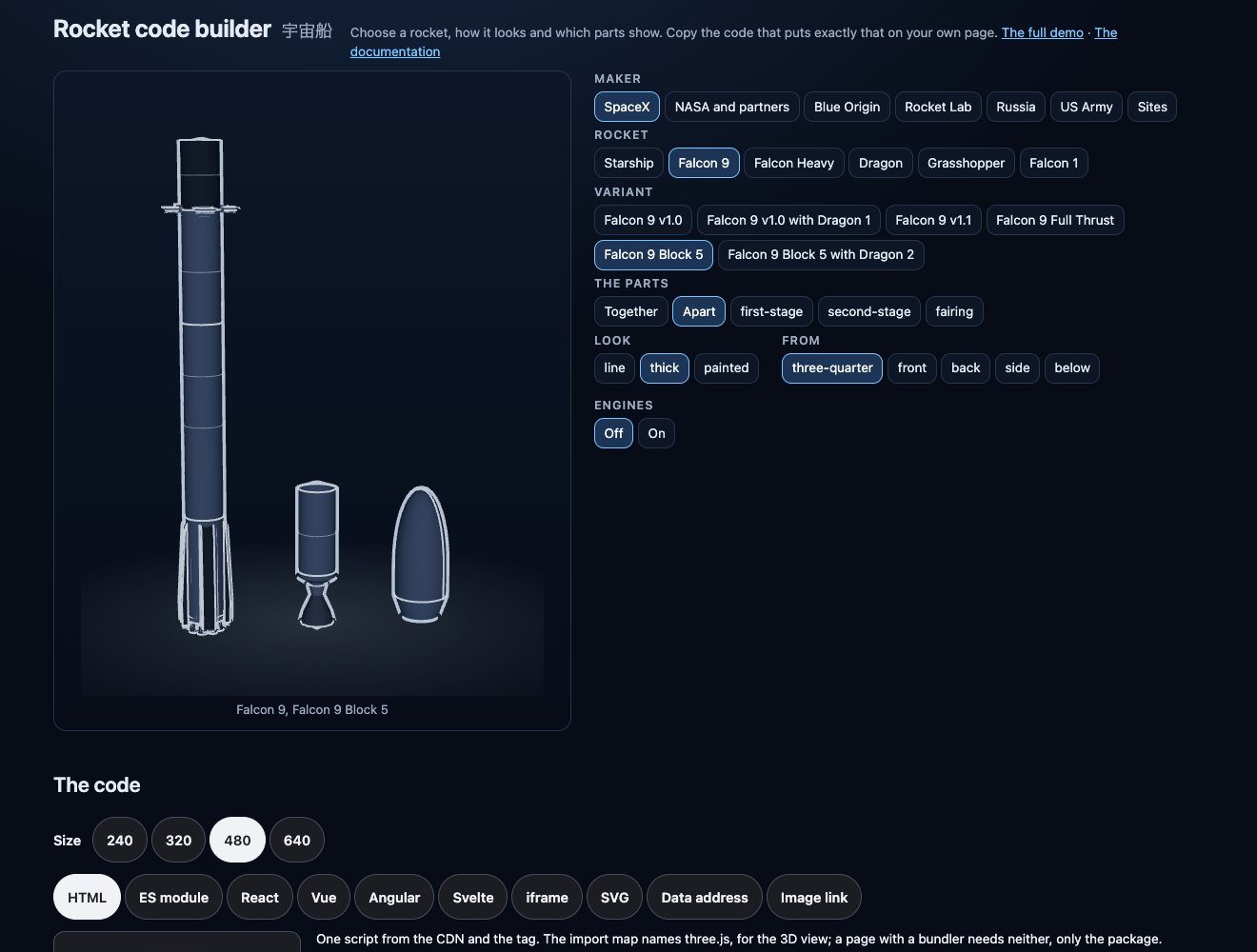
The live builder is this, with a preview and the code to copy. See Architecture for how a part is a table of numbers.